*Make sure, you have an active 'Nufu' account.
If you don't have, please signup here: https://nufu.tv/billing/signup
(Our Free app)

To begin the configuration process for your Firestick, kindly ensure you are on the device's home screen.
From this point, Follow the subsequent steps outlined in the procedure. The process has been designed to be simple and user-friendly.
1- Select app store

2- Select Search

3- Type ''
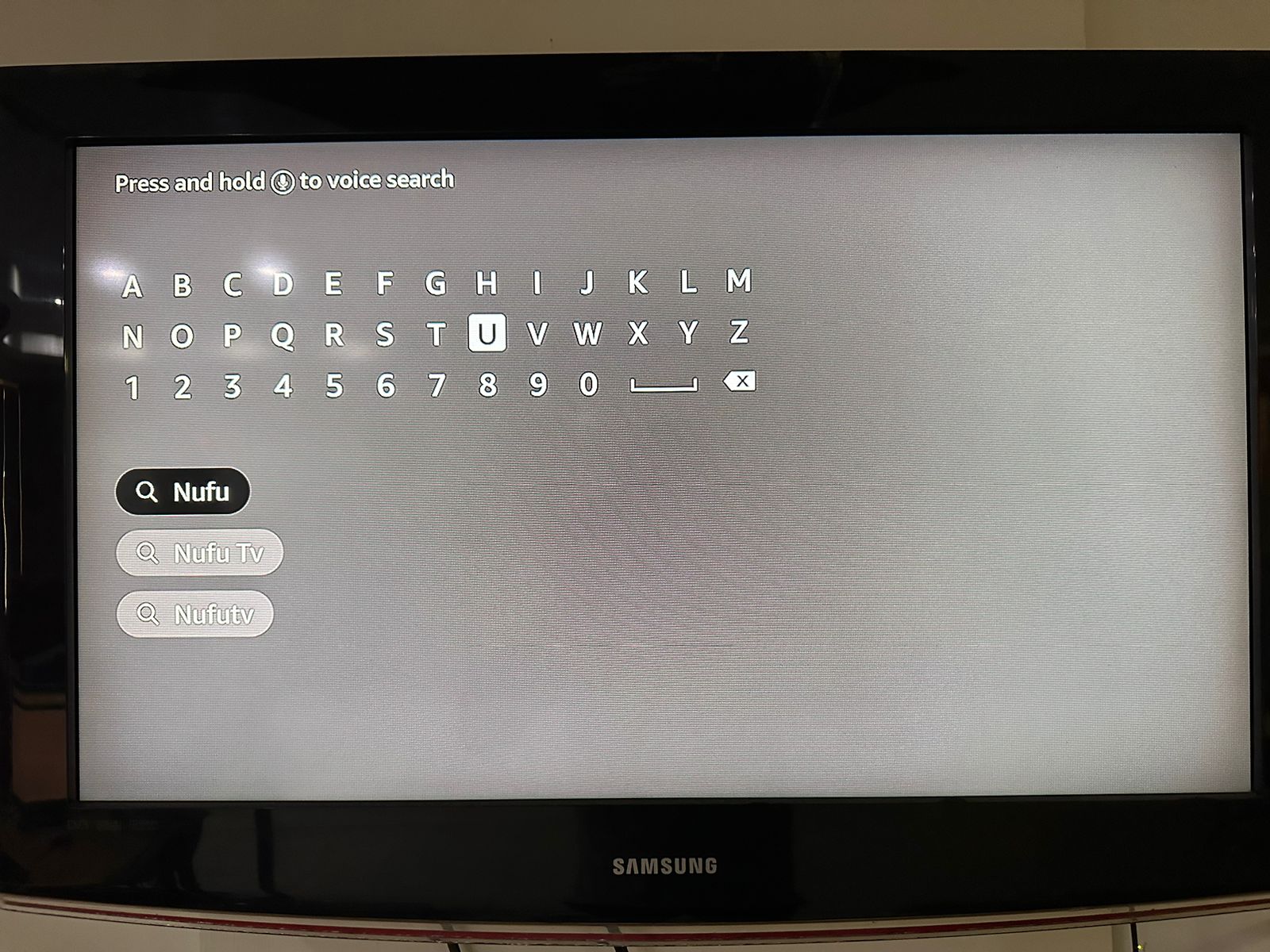
4- Match the app logo

5- Click on download

6- It'll take a few seconds

7- Open it

8- Go to the TV app menu

9- Select the 'Nufu pro action' app and open it

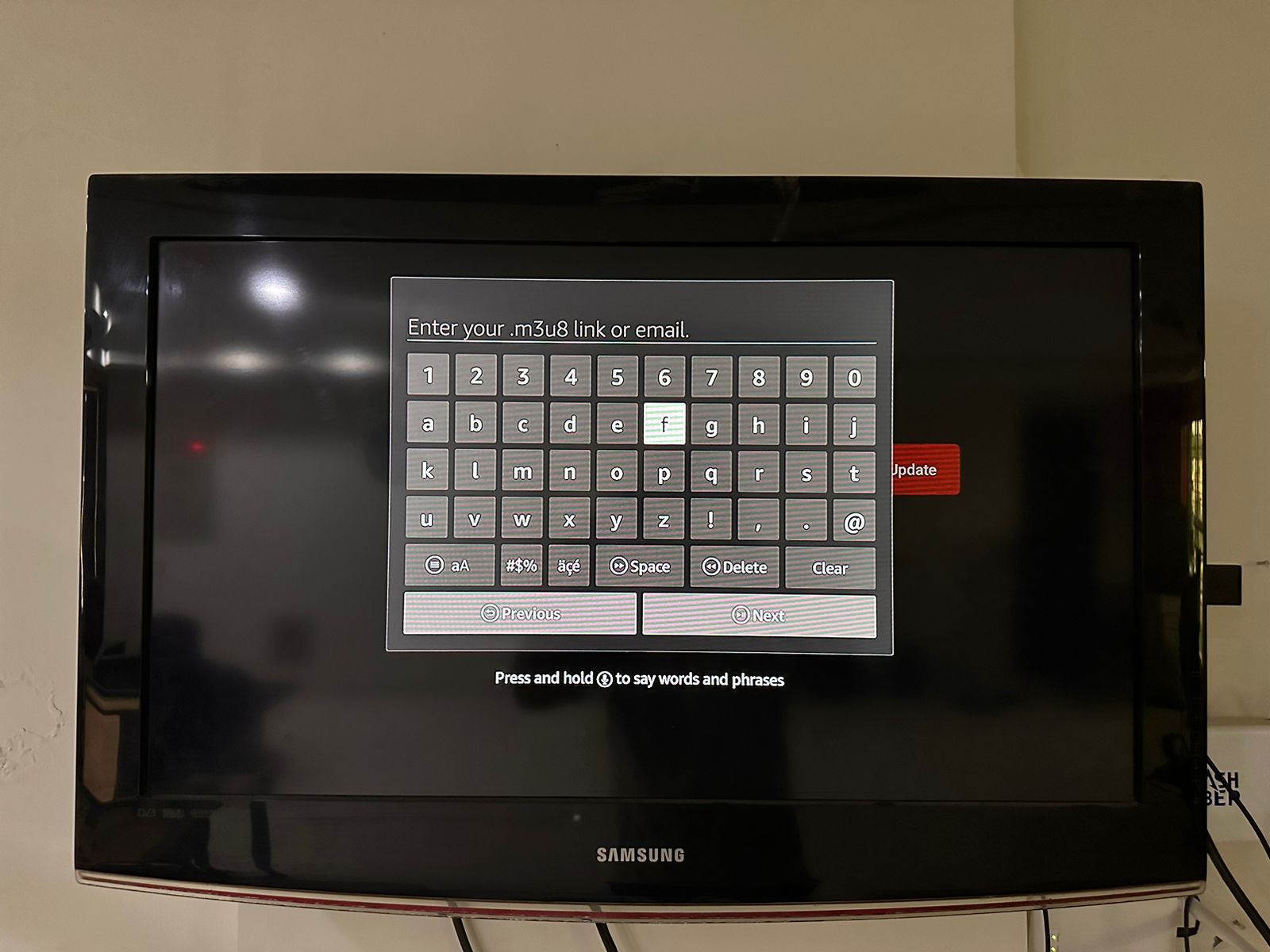
10- Enter the following Exact URL link
*You are all set now.